

Version control is essential in product design. Designers change design, prototype, and testing many times before launch. Without it, tracking changes and keeping everyone current is hard.
Multiple product versions make version control crucial. A company may need different versions for markets or customer segments. Version control labels and tracks each, keeping changes clear and the right version in use.
It keeps change history for quality assurance and recalls. It records who changed what and when, giving a clear development record and keeping the team current.
Version Control Systems
Version Control Systems (VCS) manage software development and collaboration. VCS matters for:
- Collaboration: team members work simultaneously without interference; merge changes, resolve conflicts, and track changes easily.
- Code Review: developers review changes before merge into the main codebase, ensuring quality and consistency.
- History: complete record of every change; roll back and see who changed code and when, aiding bug tracking and issue identification.
- Backup: reliable code backup; recover after accidental deletion, hardware failure, or disaster.
- Experimentation: experimental branches let developers try ideas and take risks without affecting the main codebase.
- Traceability: changes trace to specific issues or features, explaining why changes happened and helping find bug sources.
VCS manages code changes, collaboration, and development records. Without it, software projects are more complicated and error-prone.
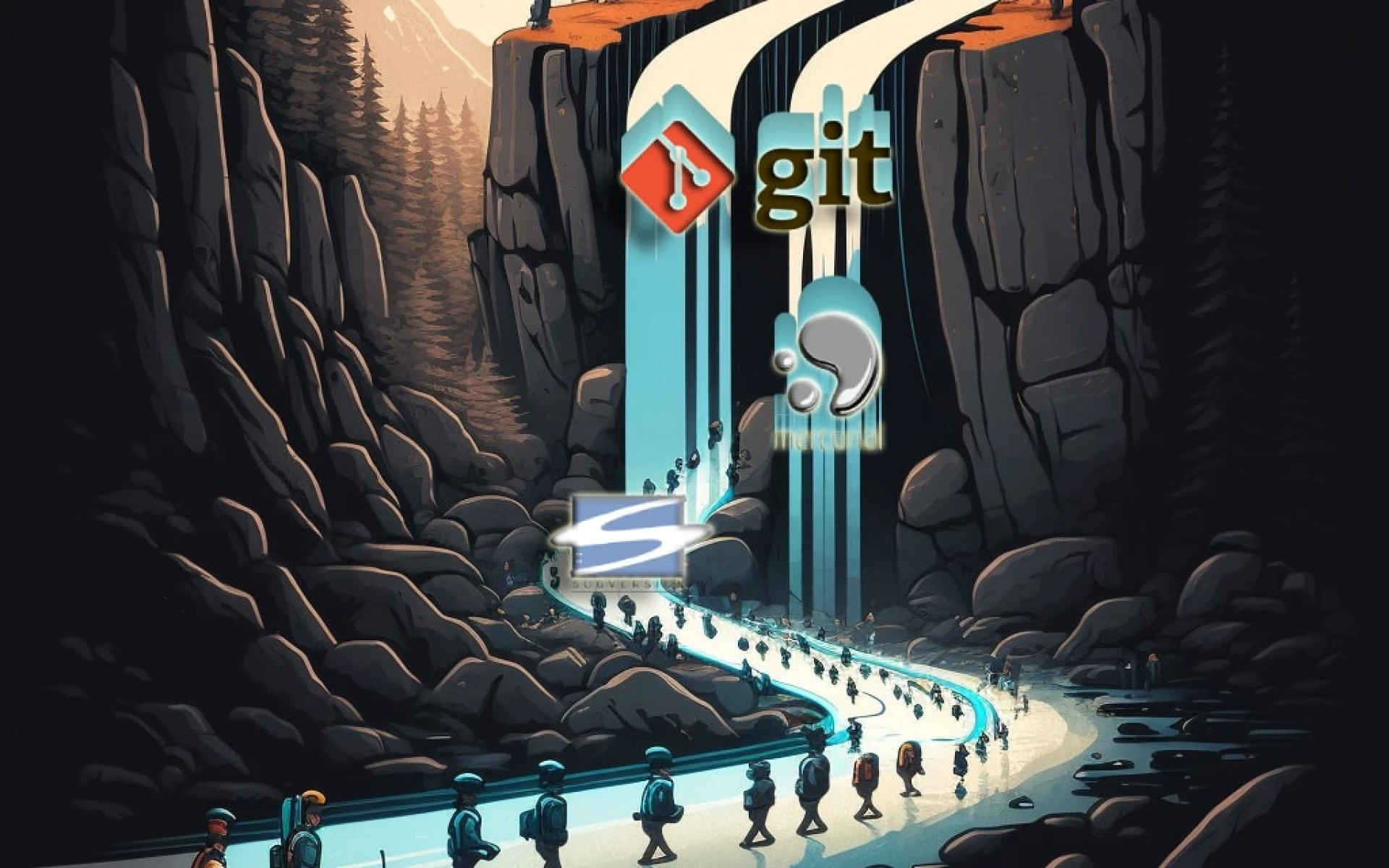
Git, SVN, Mercurial, and several other version control systems
Git, SVN, and Mercurial are widely used for codebase changes. They share a purpose but differ in features, usability, and popularity.
Git is distributed. Each developer has a complete local repository copy, easing collaboration and offline work. Sophisticated branching and merging support complex workflows. Git is the most used VCS.
SVN https://subversion.apache.org/ is centralized with a single master repository copy. Developers check out and check in changes. Branching and merging are simpler than Git but handle most workflows. SVN was popular early but declined.
Mercurial https://www.mercurial-scm.org/ is distributed like Git with a simpler, more intuitive interface. Branching and merging may be less powerful, but it has many users.
Strengths and weaknesses:
- Git:
- Strengths: Fast, distributed, supports branching and merging, large community, a vast ecosystem of third-party tools.
- Weaknesses: Steep learning curve, challenging to manage large binary files, can be complex for beginners.
- SVN:
- Strengths: Reliable, supports large codebases, straightforward user interface, easy to learn.
- Weaknesses: Centralized, branching and merging weaker than Git and Mercurial, the limited ecosystem of third-party tools.
- Mercurial:
- Strengths: Scalable, robust, distributed, simple command-line interface.
- Weaknesses: Smaller community than Git and SVN, the limited ecosystem of third-party tools.
Other VCS:
- Perforce: centralized; ideal for large-scale projects with many contributors. See: https://www.perforce.com/
- Azure DevOps Server (On September 10, 2018, the name of Team Foundation Server was updated to Azure DevOps Server): centralized by Microsoft, often used with Visual Studio. See: https://azure.microsoft.com/en-us/products/devops/server
- Bazaar: decentralized, like Git and Mercurial, focused on ease of use. See: https://bazaar.canonical.com/en/
- Fossil: decentralized, includes bug tracking and wiki; suits small to medium projects. See: https://fossil-scm.org/
- Darcs: distributed, emphasizes changes over versions; easier merging between branches and repositories. See: https://darcs.net/.
- BitKeeper: centralized, supports distributed workflows; common in the Linux kernel community. See: https://www.bitkeeper.com/.
- Plastic SCM: distributed, supports large files and multimedia assets; for game development, 3D design, and media-intensive projects. See: https://www.plasticscm.com/.
- SourceGear Vault: centralized, integrates with Microsoft Visual Studio and other development tools. See: https://sourcegear.com/vault/.
Each system has advantages and disadvantages; choice depends on project requirements and team preferences.
Git has become so popular - Advantages of Git
Why Git became popular:
- Distributed architecture: local full repository copy; faster and easier, especially for remote teams.
- Speed and efficiency: fast even for large codebases; compressed storage; minimal network traffic.
- Branching and merging: powerful; parallel features or versions; experimentation without affecting the main codebase.
- Open-source: free to use and modify; large, active contributor community.
- Large ecosystem: GitHub, GitLab, many third-party integrations; fits larger workflows.
These factors, reliability, and flexibility made Git popular.
Disadvantages of Git
Git also has disadvantages:
- Steep learning curve: overwhelms beginners; many online tutorials and documentation help.
- Command line interface: hard for GUI fans; GitKraken, Sourcetree, and Git GUI help.
- Complex commands: many commands and options are hard to remember; many are rarely used; a basic set suffices.
- Merge conflicts: hard, especially in large codebases with many contributors; merge tools and workflows help.
- File size limitations: limits file sizes, problematic for large binaries; Git LFS stores large files outside the repository and references them.
Despite these, distributed architecture, speed, branching and merging, open-source nature, and large ecosystem keep Git popular.
Git can be used on various types of projects
Git is versatile for many projects. It tracks file changes, supports collaboration, and manages multiple versions. Beyond software: web, mobile apps, game development, documentation, design, data science, AI and ML, DevOps, IaC, and more.
Web developers manage website source. Game developers track assets and scripts. Data scientists track analysis code. DevOps teams manage configuration and infrastructure code.
Git fits any project needing version control and collaboration. It suits all team types and sizes.
Online resources that can help beginners get started with Git
Resources for Git beginners:
- Git Documentation: official guide with tutorials and reference. https://git-scm.com/doc.
- Git Tutorial from W3Schools https://www.w3schools.com/git/.
- Atlassian Git Tutorials: basic concepts to advanced branching and merging. https://www.atlassian.com/git/tutorials.
- GitKraken Git Tutorials: basics to advanced workflows. https://www.gitkraken.com/learn/git.
- Git Tower Git Tutorials: basics to advanced workflows. https://www.git-tower.com/learn.
These resources help beginners become proficient.
Git cheat sheets list common commands and syntax for quick recall of commands, options, and workflows. They help novices overwhelmed by many options. Many are online, downloadable, or printable.
Some Git cheat sheets:
- Atlassian Git Cheat Sheet: https://www.atlassian.com/git/tutorials/atlassian-git-cheatsheet
- Git Tower Cheat Sheet: https://www.git-tower.com/blog/git-cheat-sheet/
- GitHub Git Cheat Sheet: https://education.github.com/git-cheat-sheet-education.pdf
- GitLab Git Cheat Sheet: https://about.gitlab.com/images/press/git-cheat-sheet.pdf
Git and the large binary files
Git is powerful for text-based source code. It may not suit large binary files, such as in game development or non-text projects.
Large binaries make Git slow and resource-intensive because it tracks every change. Repositories grow, performance slows, and storage needs rise. Merging is complicated because Git treats these files as opaque objects and cannot merge granularly.
Perforce, Plastic SCM, and Git LFS (Large File Storage) https://git-lfs.com/ are designed for large binaries. They are optimized and handle large files more efficiently.
Git LFS is a Git extension for large binaries. Large files stay outside the repository, which stores references. This reduces repository size and improves performance. Git LFS supports GitHub, GitLab, and Bitbucket.
Git excels at text source but may not suit large binaries. Consider Perforce, Plastic SCM, or Git LFS.
Git and Blockchain
Git and blockchain differ in purpose, but both use distributed architecture and value transparency and immutability.
Git tracks changes in source code and other files. Blockchain is a decentralized digital ledger for transactions and secure, transparent data.
Both are distributed. Git gives each developer a full local code repository copy, easing work, especially for remote teams. Blockchain gives each network node a full ledger copy, which is decentralized and not controlled by a single entity.
Both value transparency and immutability. Git records every codebase change and traces it to the developer, preventing errors and conflicts. Blockchain transactions are immutable and cannot be altered or deleted, making the ledger transparent and tamper-proof.
Git is primarily for version control and software collaboration. Blockchain covers cryptocurrency transactions, supply chain management, digital identity verification, and other uses. They are distinct technologies.
Git manages source code including Solidity and other blockchain code. Developers track changes, collaborate, and revert versions when needed.
Conclusion
The article is lengthy, so I will create more articles to help you use Git efficiently. To understand Git Flow, a structured workflow for software development teams, see this link: https://vulehuan.com/en/r/LGK9yaMmhZd.
Version control systems are vital for software development and collaboration. Git is the most popular VCS due to its advantages. It works across project types and makes development more accessible. Disadvantages include a learning curve and difficulties with large binary files. Many resources and cheat sheets help beginners. Git revolutionized software development; with the right resources and knowledge, anyone can benefit.