

Audio & Video
Audacity: multi-track audio editor/recorder; Windows, macOS, Linux; free, open source.
$ sudo apt install audacity
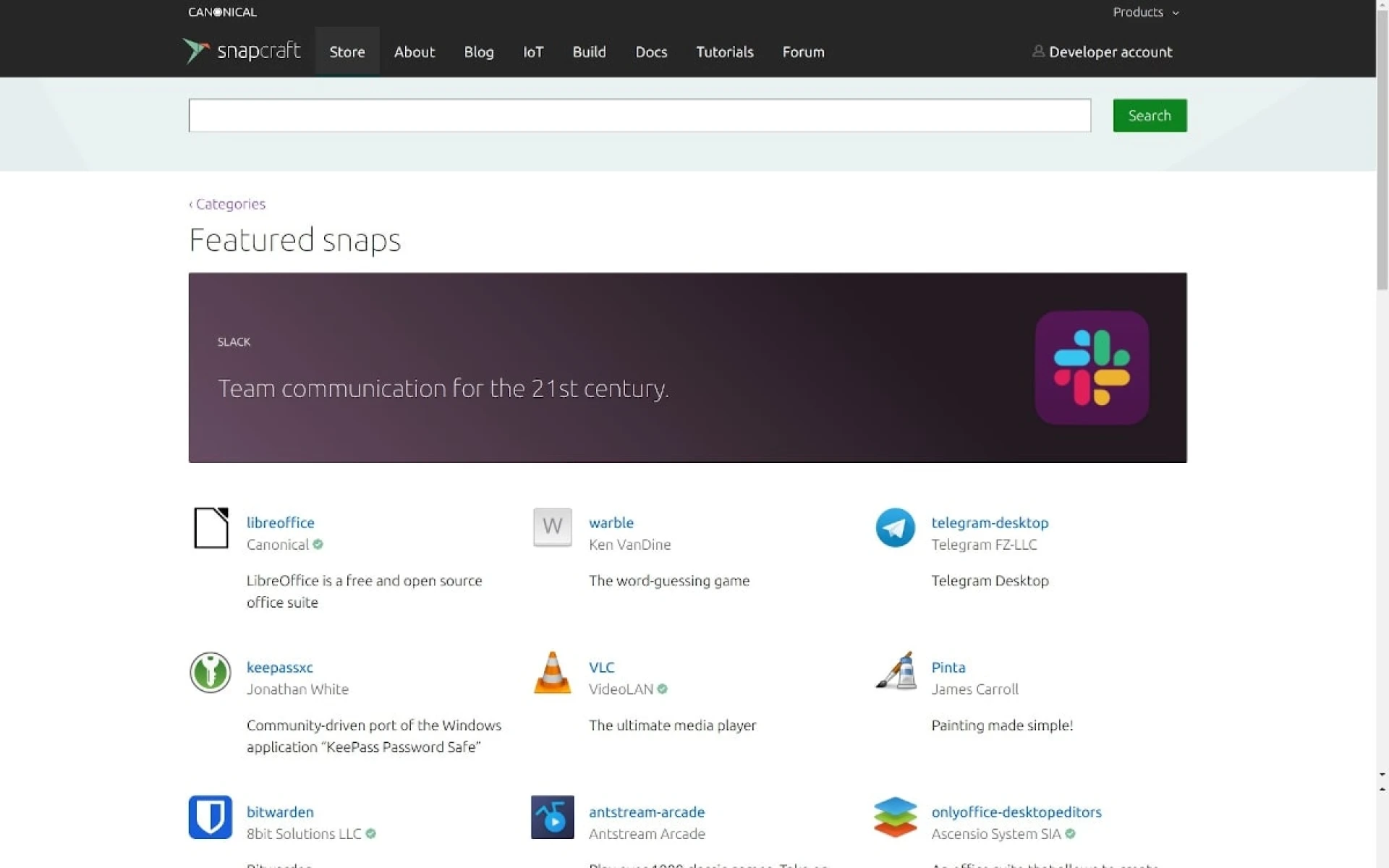
VLC: free multimedia player/framework; plays most files, DVDs, CDs, VCDs, streaming.
OpenShot: award-winning free, open-source video editor; Linux, Mac, Windows.
Internet
Chrome: fast, simple browser; free on many platforms.
Brave: blocks ads, trackers, fingerprinting; upgrades to https; default.
Dropbox: files, cloud, web shortcuts in one place.
$ sudo apt install dropbox
pCloud: encrypted cloud storage; files, backup, docs; 10GB free.
Telegram: desktop chat, fast, seamless.
$ sudo snap install telegram-desktop
Games
PlayOnLinux: play favorite games on Linux.
Graphics & Pictures
GIMP: tools for design, photography, illustration, science.
$ sudo apt install gimp
Shutter: screenshots: area, window, screen, site; effects, upload.
Guide: https://vulehuan.com/en/blog/2023/5/how-to-install-the-shutter-screenshot-tool-on-ubuntu-a-step-by-step-guide-erkgrOBELOL.
Office
WPS Office Software: office suite; 1.2B+ installs; PowerPoint, Excel, Word.
$ sudo snap install wps-office-multilang
Development
Visual Studio Code: editor for web/cloud; free on Linux, macOS, Windows.
Sublime Text: editor for code, markup, prose; slick, fast.
DBeaver: free multi-platform database tool; supports MySQL, PostgreSQL, SQLite, Oracle, DB2, SQL Server, Sybase, MS Access, Teradata, Firebird, Apache Hive, Phoenix, Presto, etc.
JetBrains: dev tools: IntelliJ IDEA, Java IDE; Kotlin.
Guake: show/hide terminal with one keystroke.
Utilities
Bitwarden: passwords anywhere; free account; 2-person org.
Gnome Tweaks: customize Gnome Desktop.
Kazam: screen recorder; VP8/WebM.
$ sudo apt install kazam
Caffeine: prevents screensaver/sleep on full-screen or icon click.
$ sudo apt install caffeine
Etcher: flash OS images to SD/USB; free, open source.